Loading…
The OpenSSL Conference is the global meeting place for the people who build, deploy, govern, and rely on secure digital infrastructure. It brings together developers, security engineers, researchers, policymakers, enterprises, legal and compliance professionals, and community contributors, all united by a shared commitment to stronger open-source security.

Mobile

This event is available on your phone

  1. Download the Sched App from the App Store or Google Play
  2. Search within the Sched App to find your event:
    "OpenSSL Conference 2026"
  3. Sign up or Log in to access your event
Sched App mobile screen download App
1. Download App
Sched App mobile screen find event
2. Find Event
Sched App mobile screen register
3. Register

Calendar Sync for Google Calendar, Outlook & Apple Calendar

Subscribe in your calendar program to see this event alongside your meetings.
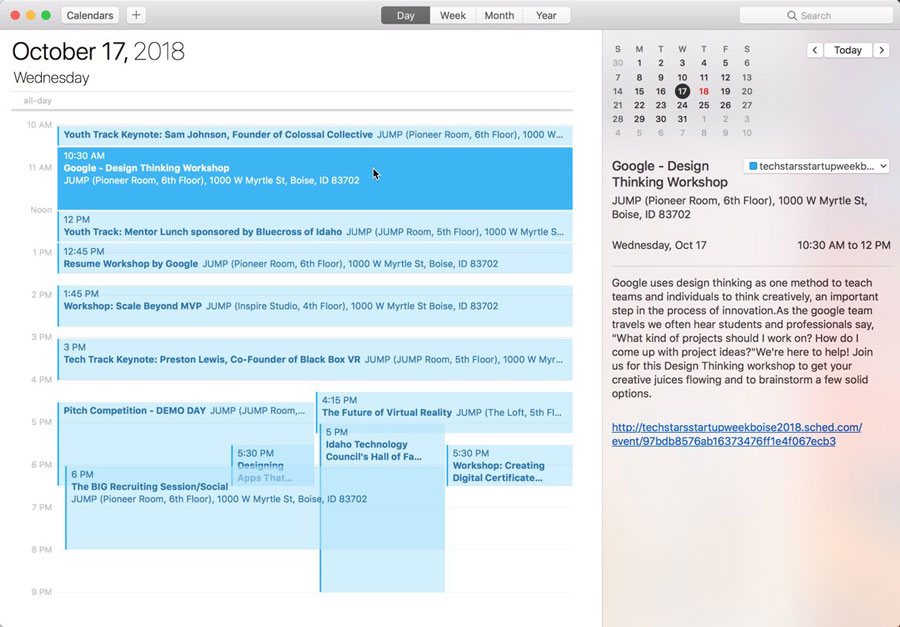
Apple Calendar
1. Click to open: Full Event Schedule
2. On next screen, set "Auto-refresh" to "Every hour" to ensure you get schedule changes.

Google Calendar
1. Click to open: Full Event Schedule
Note: Google will only update the feed once per day, which means you could miss out on last minute updates.

Microsoft Outlook
1. Click to open: Full Event Schedule
2. View instructions for Outlook.com or Outlook for Mac.

Export Calendar
This is a one-time export. You will not receive any updates to the schedule. If you expect the schedule to change, you should choose to one of the sync options above.
Full Event Schedule: https://openssl2026.sched.com/all.ics


Share Modal

Share this link via

Or copy link
